Essex County Public Schools
Pathways to Excellence
Step 1. Log into the PowerSchool Parent Portal using a browser or the PowerSchool App.
Download the app:
Android PowerSchool Mobile (Google Play Store)
Apple PowerSchool Mobile (Apple App Store)
Click the link to use a browser: Essex PowerSchool Login Page
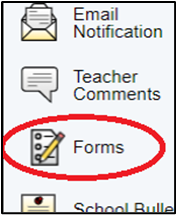
Step 2: Click Forms on the left menu. Select the Enrollment tab.

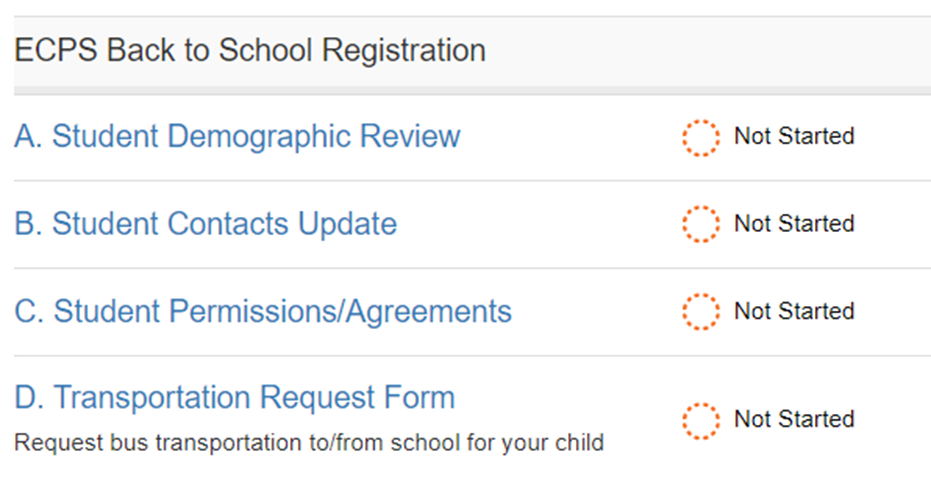
Step 3: All forms under the Enrollment tab need to be completed.
Start with form A. Student Demographic Review.
Review and Complete each form and click Submit.
Complete all forms, A through D